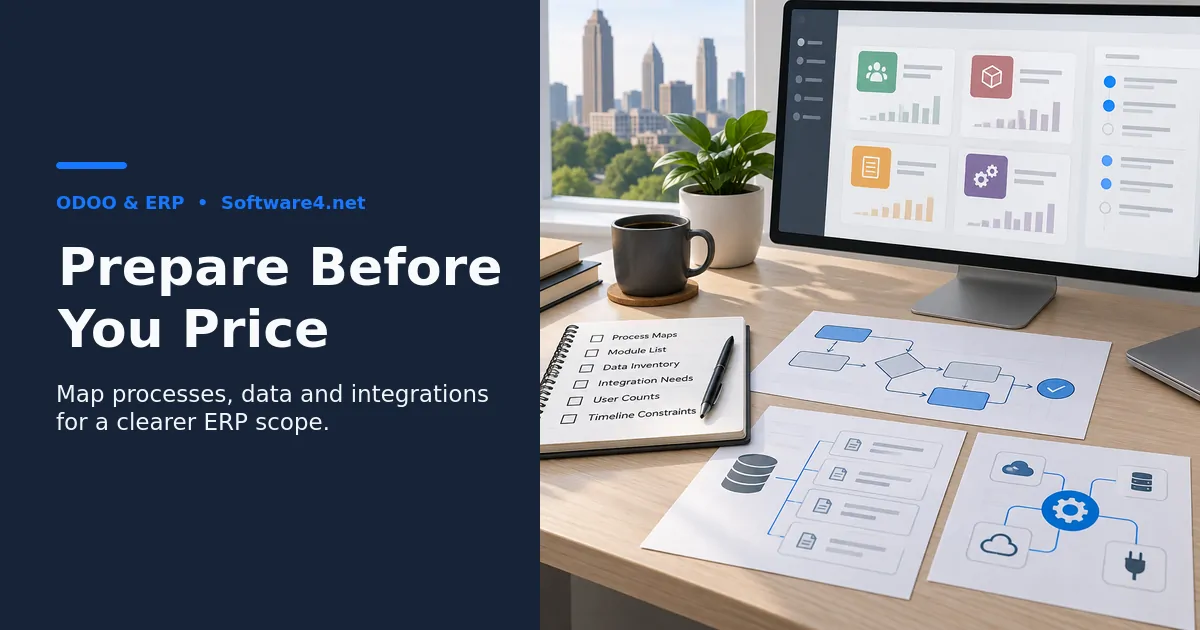
Before you request an Odoo implementation quote, prepare six things: documented business processes, a prioritized list of required modules, an inventory of the data you will migrate, a list of systems Odoo must connect to, user counts by role, and your timeline and budget constraints. With these in hand, an implementation partner can scope your project accurately instead of guessing, and you can compare quotes on equal terms. This matters for any Atlanta company, whether it runs a distribution warehouse near the airport or a professional services firm in Midtown. If you are still deciding whether Odoo fits, start by reviewing what an ERP implementation actually involves.
Why Preparation Changes the Quote You Get
An Odoo quote is an estimate of effort. Configuration, data migration, custom development, integrations, and training each take hours. When a partner lacks detail, they have two options. They can pad the estimate to cover unknowns, or they can quote low and issue change orders later. Neither helps you.
Preparation narrows the unknowns. It also shows you which parts of the project are standard configuration and which need custom work. Custom work is usually the biggest driver of cost and risk.
Step 1: Document Your Core Business Processes
Start with how work actually moves through your company today, not how you wish it moved. For each major process, write down:
- The trigger: what starts it. Examples include a customer order, a purchase request, or a new hire.
- The steps and owners: who does what, in what order.
- The tools used: spreadsheets, QuickBooks, a legacy inventory system, email.
- The pain points: where delays, errors, or double entry happen.
- The exceptions: backorders, partial shipments, rush jobs, approvals over a dollar threshold.
Simple flowcharts or bulleted lists are fine. Exceptions matter most. Standard Odoo handles common workflows well, and the edge cases are often where custom development hides.
Common mistake: documenting only the ideal process. If your team routinely works around the official procedure, the partner needs to know that.
Step 2: Prioritize the Modules You Need
Odoo is modular. Typical candidates include Sales, CRM, Inventory, Purchase, Accounting, Manufacturing, Project, Helpdesk, eCommerce, and HR. Sort your needs into three tiers:
- Must-have at launch: the business cannot operate on Odoo without these.
- Phase two: valuable, but they can follow once the core is stable.
- Nice-to-have: features you would explore later.
This tiering lets a partner quote a phased rollout. A phased plan is often less risky than launching everything at once. It also tells the partner whether you need Odoo Community or Enterprise. Confirm current edition differences and licensing directly with Odoo or your partner, because they change over time.
Step 3: Inventory Your Data
Data migration is frequently underestimated. List every data set you plan to move, along with where it lives and roughly how much there is:
- Customers and contacts
- Vendors
- Products, SKUs, variants, and bills of materials
- Open sales orders and purchase orders
- Inventory quantities by location
- Chart of accounts and opening balances
- Historical transactions, if you need them
Then decide how much history you really need. Migrating years of closed transactions adds effort. Many businesses move only open items and balances, and they keep the old system available as read-only for reference. Note data quality honestly. Duplicate customers or inconsistent SKUs will require cleanup, and someone has to own that work.
Step 4: Map Your Integrations
List every system Odoo must exchange data with. Examples include payment processors, shipping carriers, eCommerce platforms, payroll providers, banks, EDI with large retail customers, and industry-specific tools. For each one, note:
- The direction of data flow: one-way or two-way.
- How often it syncs: real time, hourly, or daily.
- Whether a ready-made connector exists or a custom integration is needed.
Integrations are one of the clearest places where cost can grow. If a connector doesn't exist or doesn't meet your needs, expect custom development. Ask partners how they would build and maintain these connections. Firms that also provide custom software development can explain the tradeoffs between extending Odoo and building a separate integration layer.

Step 5: Count Users and Define Roles
Licensing and training both depend on headcount. Group users by role, such as sales reps, warehouse staff, accountants, managers, and occasional approvers. For each role, note the permissions it needs and how comfortable those people are with new software. A warehouse team on handheld scanners has very different training needs than a finance team.
Step 6: Set Timeline, Budget Range, and Decision Makers
Be clear about your constraints:
- Hard deadlines: a fiscal year-end cutover, a lease ending on a legacy system, or a seasonal peak to avoid.
- Budget range: even a rough range helps partners propose a realistic scope instead of guessing.
- Internal capacity: who on your team can spend time on testing, data cleanup, and decisions.
- Decision makers: who approves scope and signs off at each milestone.
Tradeoff to weigh: a faster go-live usually means a narrower initial scope. Trying to compress the timeline and expand the scope at the same time is a frequent cause of failed implementations.
Questions to Ask Partners When Comparing Quotes
Once quotes arrive, compare them on substance, not just the total:
- What is included in configuration versus custom development?
- Who performs data cleanup and migration, and how many test migrations are planned?
- How is user training delivered, and for which roles?
- What does post-launch support cover, and for how long?
- How are change requests priced?
- Which assumptions, if wrong, would change the estimate the most?
If two quotes differ widely, the gap usually comes from different assumptions. Ask each partner to state those assumptions explicitly.
Frequently Asked Questions
Do I need a formal requirements document before contacting an Odoo partner?
No. Organized notes covering the six areas above are usually enough for an initial conversation. Many partners run a paid or unpaid discovery phase to refine requirements, so ask how theirs works and what it produces.
Should we clean our data before or after selecting a partner?
Start before. Removing obvious duplicates and archiving inactive records costs little and makes your data inventory more accurate. Leave complex transformations until the partner defines the import format, so you don't do the work twice.
Is it better to work with a local Atlanta partner?
Local presence can help with on-site workshops, warehouse walkthroughs, and in-person training. Many implementations also run successfully with remote teams. Weigh the partner's experience in your industry and its communication process at least as heavily as its location.
How long does an Odoo implementation take?
It depends on scope, data complexity, integrations, and your team's availability. Any timeline quoted without that information is a guess. Your preparation package is what allows a partner to give a defensible estimate.
Conclusion: Turn Your Preparation Into a Productive First Conversation
Requesting an Odoo quote without preparation produces vague estimates that are hard to compare. When you document your processes, tier your modules, inventory your data, map your integrations, count your users, and state your constraints, partners can quote what you actually need. You will also spot the cost drivers, especially custom integrations and messy data, before they turn into surprises.
A practical next step is to compile these six items into a short document. Then bring it to an introductory conversation with an implementation team. To learn more about the ERP and software services available, visit Software4.net and review whether its approach fits your Atlanta business.
Reference
Review Odoo’s data import documentation with your implementation team when planning migration and test imports.