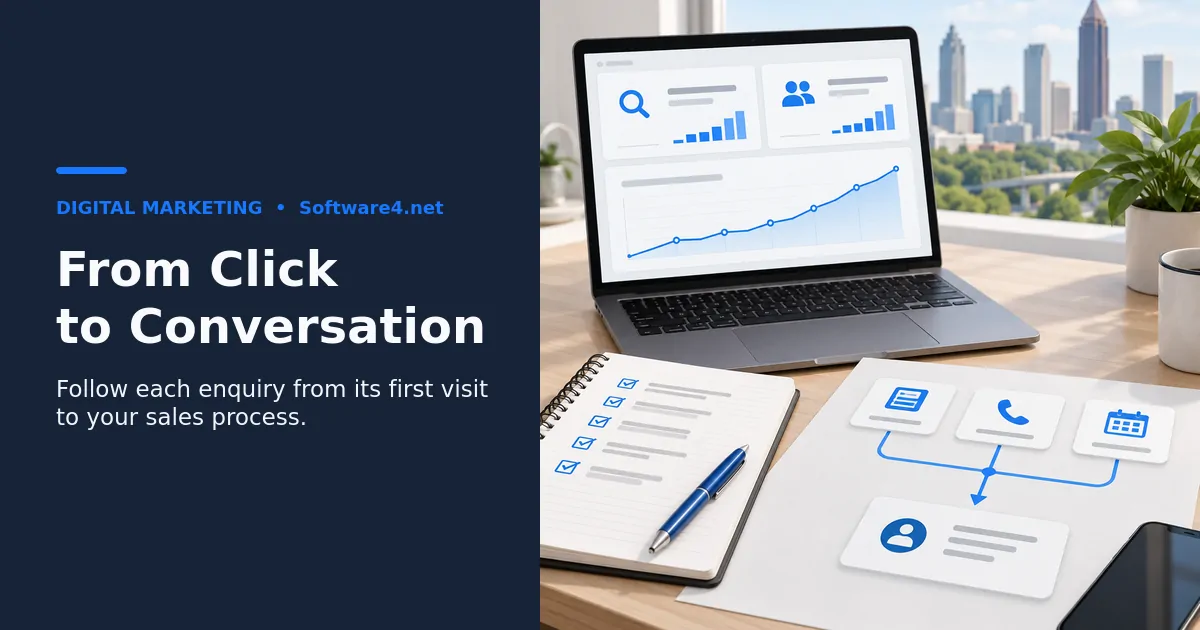
Before launching Google Ads or Meta Ads, map your lead paths, define the completed enquiries you will count, connect those records to your sales process and test each path end to end. Check forms, calls, bookings and platform lead forms; confirm that enquiries arrive once with usable campaign information. Software4.net’s business growth services are a starting point for discussing your advertising and measurement needs in Atlanta.
Why Tracking Has to Come Before Launch
Google Ads and Meta Ads both use automated bidding that learns from the conversions you report. If those signals are missing, duplicated, or wrong, for example counting a page view as a "lead," the algorithms optimize toward the wrong behavior from day one. Changing conversion signals mid-campaign can make performance comparisons harder. The data you collect before the fix is also unreliable, so you lose the comparison you need to judge the campaign.
There is a business reason too. Your first weeks of spend are when you find out which keywords, audiences, and Atlanta-area locations produce real inquiries. If you can't trace a lead back to its campaign, that knowledge is lost.
Step 1: Map Every Lead Path
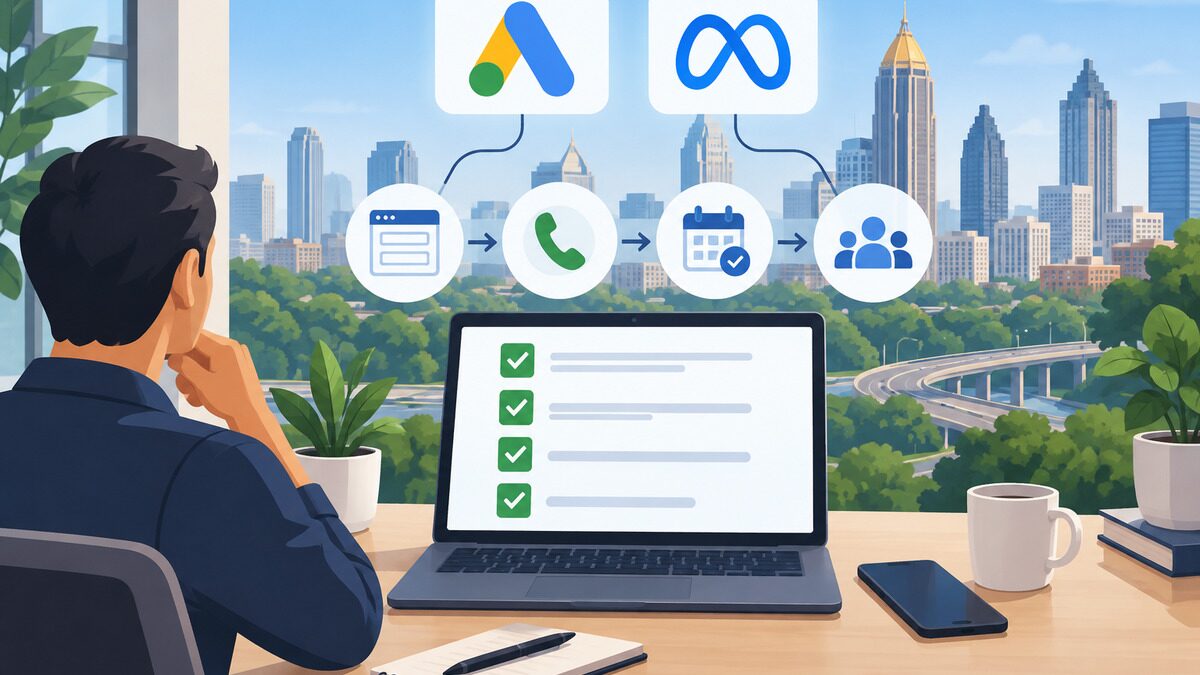
Before you touch any tag, list every way a prospect can contact you:
- Website forms: contact, quote request, newsletter (decide whether this counts as a lead)
- Phone calls: clicks on the number from mobile, calls from the ad itself, calls after a site visit
- Online booking tools: embedded schedulers, third-party booking pages
- Chat or messaging: website chat widgets, Facebook Messenger, Instagram DMs, WhatsApp
- Platform lead forms: Google lead form assets and Meta Instant Forms, where users never visit your site
- Walk-ins or offline sales that start from an ad
For each path, write down where the lead ends up, such as an inbox, a CRM, a booking calendar, or a person's cell phone. Leads that end up somewhere informal tend to go untracked.
Step 2: Define What Counts as a Conversion
Not every action deserves equal weight. Pick a small set of primary conversions that represent real sales opportunities, such as a quote request, a booked consultation, or a qualified call. Then label everything else as secondary, for example scroll depth, pricing page views, or clicks on directions.
Decision criteria:
- Would your sales team want to follow up on this action? If yes, consider it primary.
- Does it happen often enough for bidding to learn from it? Very rare actions may need to be paired with a higher-volume signal.
- Can it be faked or triggered accidentally? Page-load triggers on a "thank you" URL that people can bookmark or revisit will inflate your numbers.
Tradeoff: Optimizing for high-volume, low-intent actions gets you cheap "conversions" that don't turn into revenue. Optimizing only for closed deals can starve the algorithm of data. Many businesses start with qualified form fills and calls, then add offline sales data later.
Step 3: Choose and Document the Measurement Setup
For each lead path, record the event you want to measure, the tool that records it, the destination of the lead record and the person responsible for testing it. Use the current setup options in your Google Ads and Meta accounts rather than copying an old interface walkthrough.
For Google, decide which conversion actions will guide bidding and avoid counting the same submission through multiple primary actions. If you plan to connect later sales outcomes, review Google’s enhanced conversions for leads guidance and the current supported upload method before implementation.
For Meta, document whether your setup uses browser events, server events or a supported integration. If the same action is reported through more than one route, test that it is counted once. Check Events Manager diagnostics and your connector’s current instructions. A connector being installed is not evidence that the full lead journey works.
Use consistent campaign URL parameters and retain campaign attribution in your lead system where your consent settings and data-handling rules permit it. Keep personal details out of campaign URLs. Review data sharing with the person responsible for privacy before enabling customer-data features; hashing alone does not replace that review.
Step 4: Connect Leads to Your CRM
Platform dashboards tell you that a conversion happened. Your CRM tells you whether it became a customer. Make sure each lead record stores:
- Source and campaign (from UTMs)
- Click ID (gclid or fbclid)
- Lead type (form, call, booking, Instant Form)
- Timestamp and landing page
- Status fields your team updates, such as qualified, quoted, won, or lost
Meta Instant Form leads stay inside Meta unless you sync them. Connect them to your CRM directly or through an integration so they don't sit unanswered in Business Manager. If your forms, CRM, and booking tools don't talk to each other, a lightweight integration or custom software can close the gap. That way leads aren't copied by hand.
Once statuses are recorded, you can later import offline conversions back into Google Ads and Meta. This teaches bidding to favor leads that actually closed.
Step 5: Test Before You Spend
Run a full test for every lead path before you activate any campaign:
- Open the site in an incognito window using a test URL that includes UTMs.
- Submit each form with obvious test data, such as "Test Lead – Delete."
- Check Google Tag Assistant and Google Ads conversion diagnostics.
- Check Meta's Events Manager Test Events tool for Pixel and Conversions API events, and confirm they were deduplicated.
- Confirm the lead appears in your CRM with source, campaign, and click ID filled in.
- Place a test call through any tracking number and confirm that it rings correctly and gets logged.
- Submit a test Instant Form lead using Meta's Lead Ads Testing Tool and confirm it syncs.
- Test on a phone, since most local ad clicks may come from mobile. Treat this as an assumption to check against your own data.
Note that some platform reports can take hours to update. Verify the CRM side right away and the platform side later.
Common Mistakes to Avoid
- Counting the same lead twice. This happens when Pixel and Conversions API run without deduplication, or when both GA4-imported and native Google Ads conversions are set as primary.
- Tracking button clicks instead of completed submissions. A click on "Submit" isn't a lead if validation fails.
- Ignoring phone calls. Check how many enquiries arrive by phone in your own business before deciding which lead paths to prioritize.
- Leaving test leads in the data. Filter or delete them before launch.
- No owner for lead follow-up. Tracking only helps if someone responds quickly and updates the lead status.
- Using inconsistent campaign labels. Agree on a naming convention so reports can be compared.
Frequently Asked Questions
Do I need Google Tag Manager, or can I install tags directly?
You can install the Google tag and Meta Pixel directly. Tag Manager makes it easier to add, test, and change tracking without editing site code each time. If you expect to run multiple campaigns or adjust conversions often, it usually saves time. For a very simple site with one form, direct installation can be enough.
How long should I wait after setting up tracking before launching?
Wait until every lead path has passed an end-to-end test and data appears correctly in both the platforms and your CRM. Because some platform reporting is delayed, many teams allow at least a day to confirm events registered. That timing is a general practice rather than a fixed rule.
Should I track leads in GA4, the ad platforms, or my CRM?
Use all three for different jobs. The ad platforms need conversions for bidding, and GA4 shows on-site behavior across channels. Use reconciled sales or accounting records to confirm revenue, and keep the CRM’s lead status current.
What if my website builder doesn't support server-side tracking?
Many builders and CRMs offer native Conversions API integrations or connectors, so check those first. If none exist, a server-side tagging setup or a small custom integration can send events. Weigh the setup effort against how much of your lead flow depends on Meta.
Conclusion: Launch With Data You Can Trust
A successful Google Ads or Meta Ads launch starts with tracking, not ad copy. Map every lead path, define your primary conversions, install and deduplicate your tags, connect leads to your CRM, and test each path on desktop and mobile before spending a dollar. Your practical next step is to build the lead path inventory from Step 1 this week and run the test checklist against it. Any gap you find, whether an untracked phone line or an unsynced Instant Form, is something to fix before launch. If you'd like a team to review your tracking and integrations, start with Software4.net.