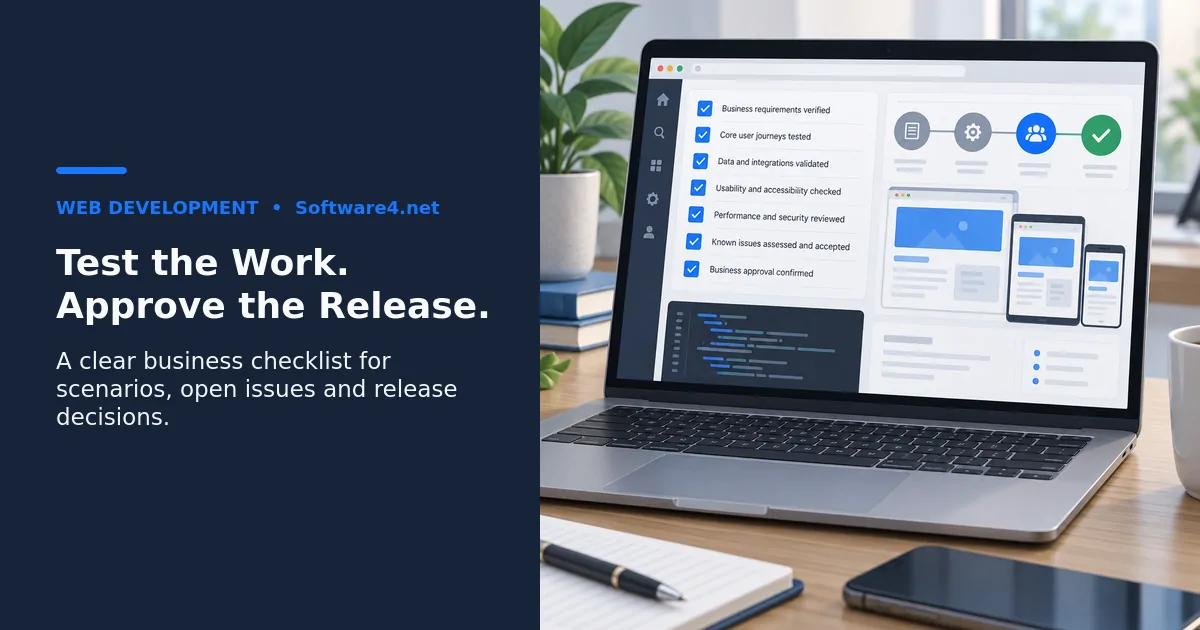
Custom software user acceptance testing (UAT) gives business users a structured way to decide whether a release supports their agreed work. Before approving go-live, test realistic scenarios, record the results and make explicit decisions about unresolved issues. This checklist helps an operations lead, project sponsor or department owner turn a demonstration into an acceptance record. It is a planning framework; your project agreement defines the actual acceptance and release terms.
Start with business acceptance, then check release readiness
A demonstration shows what a presenter can do. UAT asks representative users to complete the work themselves and compare the outcome with agreed requirements. Technical testing, security review and deployment checks still need their own evidence. A successful UAT session does not replace them.
Microsoft’s implementation testing guidance distinguishes user acceptance from component, integration and other testing. Although written for Dynamics 365 projects, that distinction is useful when planning a custom application: decide which checks prove business fit and which belong to the wider release review.
Agree on the test boundaries
Write down the release version, included workflows, excluded features and people authorized to accept the result. Involve the employees who enter information, review requests, handle exceptions and use the resulting reports. Give them time to test rather than asking for approval after a brief tour.
For every important requirement, define an observable outcome. Replace “the approval process works” with a statement such as “a requester submits an item, the assigned reviewer decides it, and the requester can see the recorded outcome.” Agree what should happen when required information is missing or the reviewer rejects the request.
Prepare a safe, representative test environment
Use an agreed test environment with the relevant configuration and user roles. Choose synthetic or appropriately de-identified records that represent realistic cases. Do not copy customer or employee data into a test system without an authorized data-handling plan.
Confirm what integrations will do. Notifications, payments and order fulfillment should use test facilities or controlled arrangements so a test cannot accidentally contact customers or trigger real business activity. Record any differences from production because they limit what the results prove.
Use a scenario record your team can repeat
Keep a simple record for each scenario:
- Requirement and scenario ID: which business outcome is being checked.
- Role and starting conditions: who performs it and what records must exist.
- Steps: the actions needed to complete the work.
- Expected result: the visible outcome and any downstream record change.
- Actual result and evidence: what happened, with a test record reference or appropriate screenshot.
- Decision: pass, fail or blocked, plus the issue owner and next action.
For example, test a request that is approved, one that is rejected and one that needs correction. Check the handoff between the requester and reviewer, not only whether each screen opens. This is an illustrative test design, not a Software4 customer case study.
Cover the exceptions that matter to your operation
Prioritize the journeys whose failure would interrupt the business. Consider missing or invalid inputs, duplicate submissions, canceled work, unavailable integrations and users who should not have permission to perform an action.
For connected software, trace an agreed test record through the relevant systems and reconcile its final state. Ask what the operator sees when a transfer fails and who resolves it. The existence of a connector is not evidence that every important record variation has been tested.
Separate ordinary user acceptance from specialist checks such as security assessment or load testing. If those are release requirements, assign owners and review their results alongside UAT. Do not ask business testers to certify controls they have not evaluated.

Resolve defects and disputed requirements visibly
Agree issue priorities before the final release meeting. Define which failures block acceptance and which, if any, can proceed with an approved workaround. A severity label alone should not determine the decision: consider the actual impact, affected users and reliability of the workaround.
Log the steps, expected result, actual result, version and evidence for each issue. Retest corrections and identify the related scenarios that need another check. A developer marking an issue fixed is a different event from a business tester verifying the corrected result.
If a request appears outside scope, compare it with the agreed requirement. Ambiguous or incomplete requirements need a documented decision; they should not automatically be dismissed as new features. Keep approved changes and remaining defects traceable to the release decision.
Use this release sign-off checklist
Before signing, confirm that:
- The tested version and the version proposed for release are identified.
- Priority workflows and required exception paths have recorded results.
- Blocked or untested scenarios are visible, with their impact explained.
- Required fixes have been retested and relevant regression checks completed.
- Every accepted open issue has an accountable owner, treatment and review date.
- Integration and report results have been checked against agreed expectations.
- Required technical, security and operational reviews have separate evidence.
- Deployment, recovery, monitoring and support responsibilities are assigned.
- The authorized business approver has recorded the decision and its conditions.
“Accepted for this scope and version” is more useful than “everything looks fine.” Acceptance may be refused or limited when required evidence is missing. Follow the project’s agreed acceptance terms; this checklist does not alter a contract.
Frequently asked questions
How long should UAT take?
Estimate from the scenarios, available testers, dependencies and expected fix-and-retest work. There is no standard duration that fits every custom application. Agree the testing time before choosing a release date.
Can the development partner help run UAT?
Yes. A partner can prepare the environment, help turn requirements into scenarios and resolve issues. The designated business owners should still evaluate whether the agreed outcomes are met and make the acceptance decision.
Can a release proceed with an open issue?
That depends on the agreed release conditions and the issue’s impact. Record who accepts the risk, what users should do, the owner and the next action. An unresolved release blocker should not disappear from the decision record simply because the launch date is close.
Prepare the acceptance conversation with Software4
Software4’s custom software development service includes scoped requirements, validation and release preparation. Bring a short list of priority workflows, user roles, existing systems and unresolved acceptance questions to a project discussion. Agree deliverables, business approvals and support responsibilities in the proposal rather than assuming a generic checklist defines your project.